Create the right product photo
Choose category-specific looks, from cosmetics flat lays and model-held products to supplement lifestyle scenes.
A workflow for Japanese D2C brands
Palette Studio is a Shopify app for Japanese D2C brands, especially cosmetics, health foods and supplements. Create product photos and copy, run a preliminary review of claims under Japanese advertising rules, and save the results to Shopify after your review. It supports six product categories in total, including apparel.
We are resubmitting to the Shopify App Store. Leave your email if you would like to hear when the app becomes available.
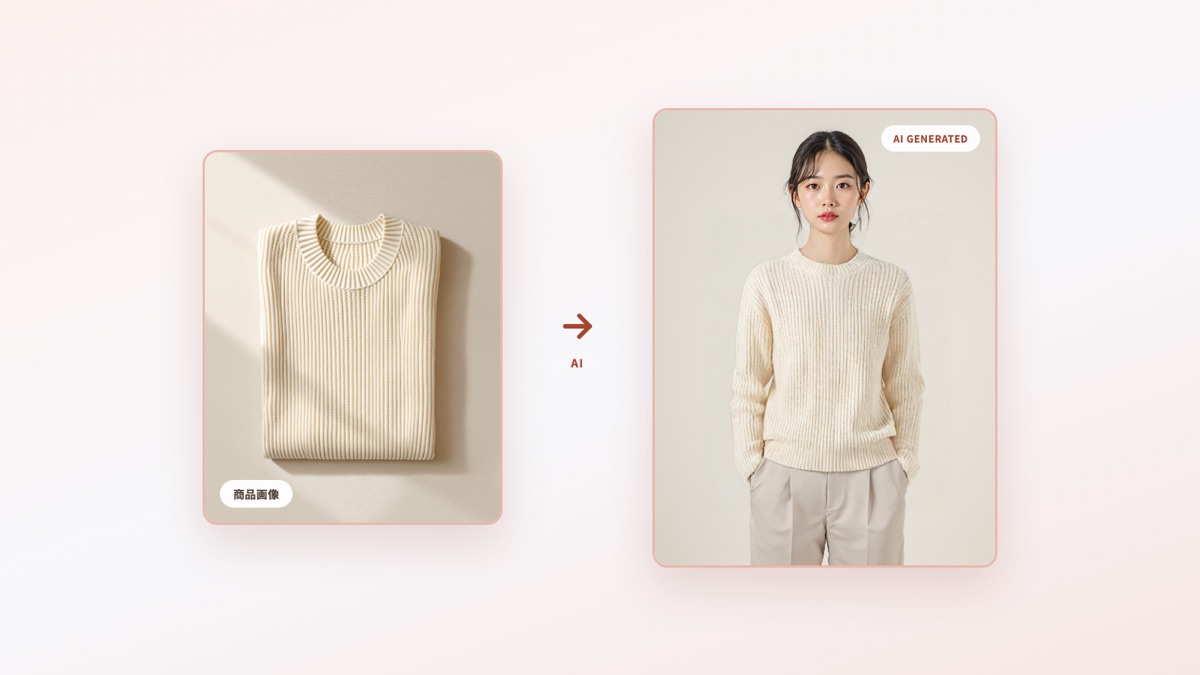
This apparel virtual try-on example was generated with Palette Studio. The model is not a real person.
Workflow
Connect product photography, copywriting, claim review and Shopify updates in one admin workflow.
Choose category-specific looks, from cosmetics flat lays and model-held products to supplement lifestyle scenes.
Draft titles, descriptions, highlights, tags and SEO fields, then adapt the copy for ads when needed.
Flag wording that needs review under Japan’s pharmaceutical, advertising and functional-food rules, with alternatives to consider.
Inspect and edit the generated images and information, then explicitly save them to the Shopify product.
Features
Designed around cosmetics and supplements, with production workflows for all six categories, including apparel, food and jewelry.
Supports apparel, cosmetics, health foods and supplements, food and beverages, jewelry and accessories, and other products. Choose a category-specific style and export in formats for different placements.
Draft three title options, a description, highlights, tags and SEO information. Run the output through the claim checker before saving approved copy to Shopify.
Flag wording in Shopify products that may need review under Japanese pharmaceutical, advertising or functional-food rules. This is a preliminary aid, not a guarantee of legal compliance; you review and edit the suggestions.
Review and edit generated images or product information before explicitly saving them to a Shopify product. The app does not automatically rewrite published content.
Supports lipstick, lip gloss, eyeshadow, eyeliner, mascara, blush, foundation and concealer. Extract color from a product image or enter a HEX value. Lighting and source images can change how a shade appears, so review the result.
Draft headline, body and CTA options for Meta, Google Search, LINE and TikTok formats and character limits.
Cosmetics photos
We distinguish the two current photo styles from styles planned for a future release.
A standalone product image styled as though photographed on fabric or stone in natural light.
An upper-body model holding the product near the chest, with preset scenes to choose from.
A product-use scene on a cheek, hand or other skin area is planned, with dedicated scene imagery.
A scene showing someone checking the result in a mirror is planned, with dedicated scene imagery.
“Applying to skin” and “Looking in a mirror” are not available yet. Timing and details may change.
Models & categories
Choose from four female and four male standard models for apparel. Cosmetics offer standalone or model-held photos; supplements, food, jewelry and other products use category-specific templates.
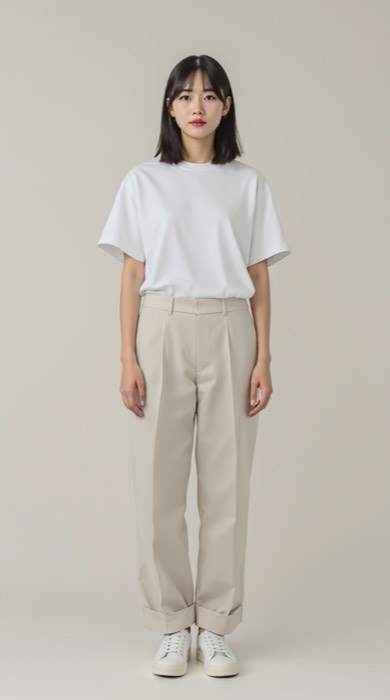
Apparel / female model
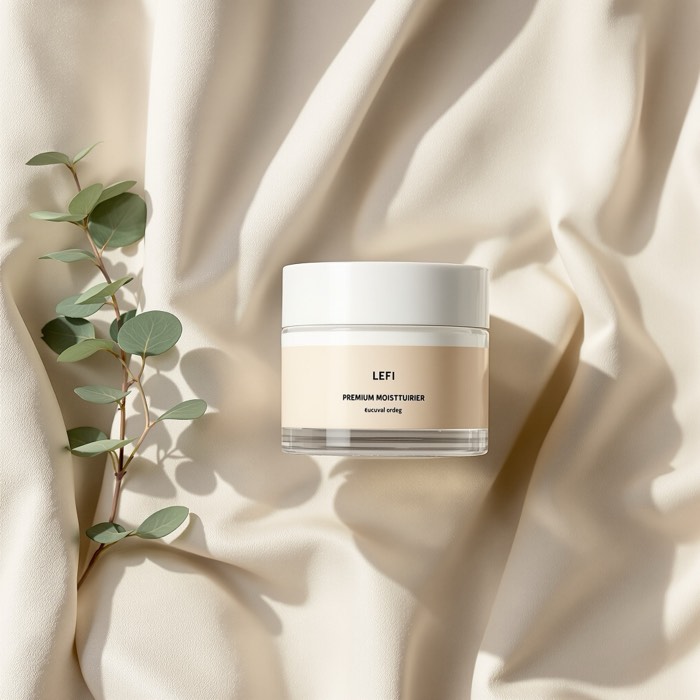
Cosmetics / flat lay
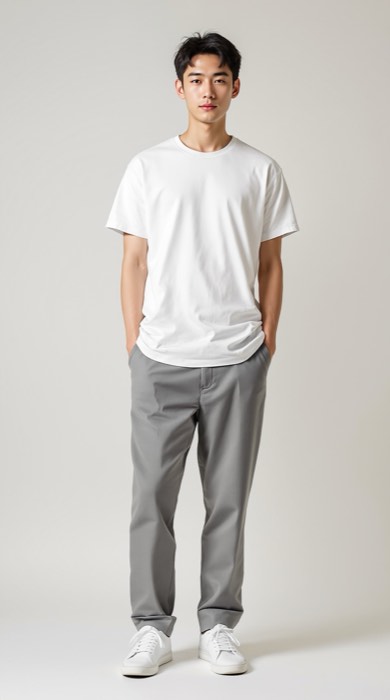
Apparel / male model
The standard models shown here are fictional AI-generated people. Pro and Studio merchants can separately register custom models using photos for which they have permission.
Inside the app
Select a Shopify product, create photos or copy, review the result and save it to the product. You can also carry a photo result into copy creation.
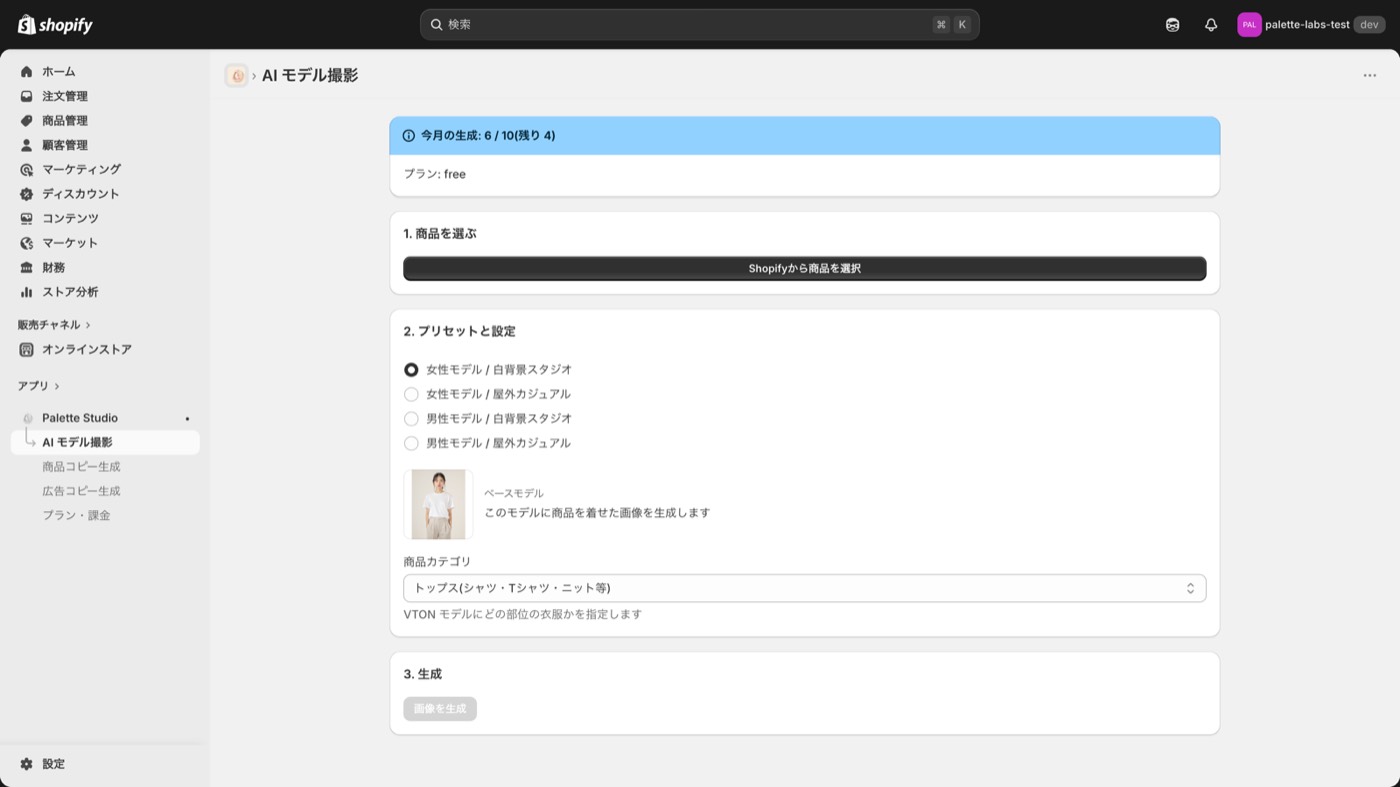
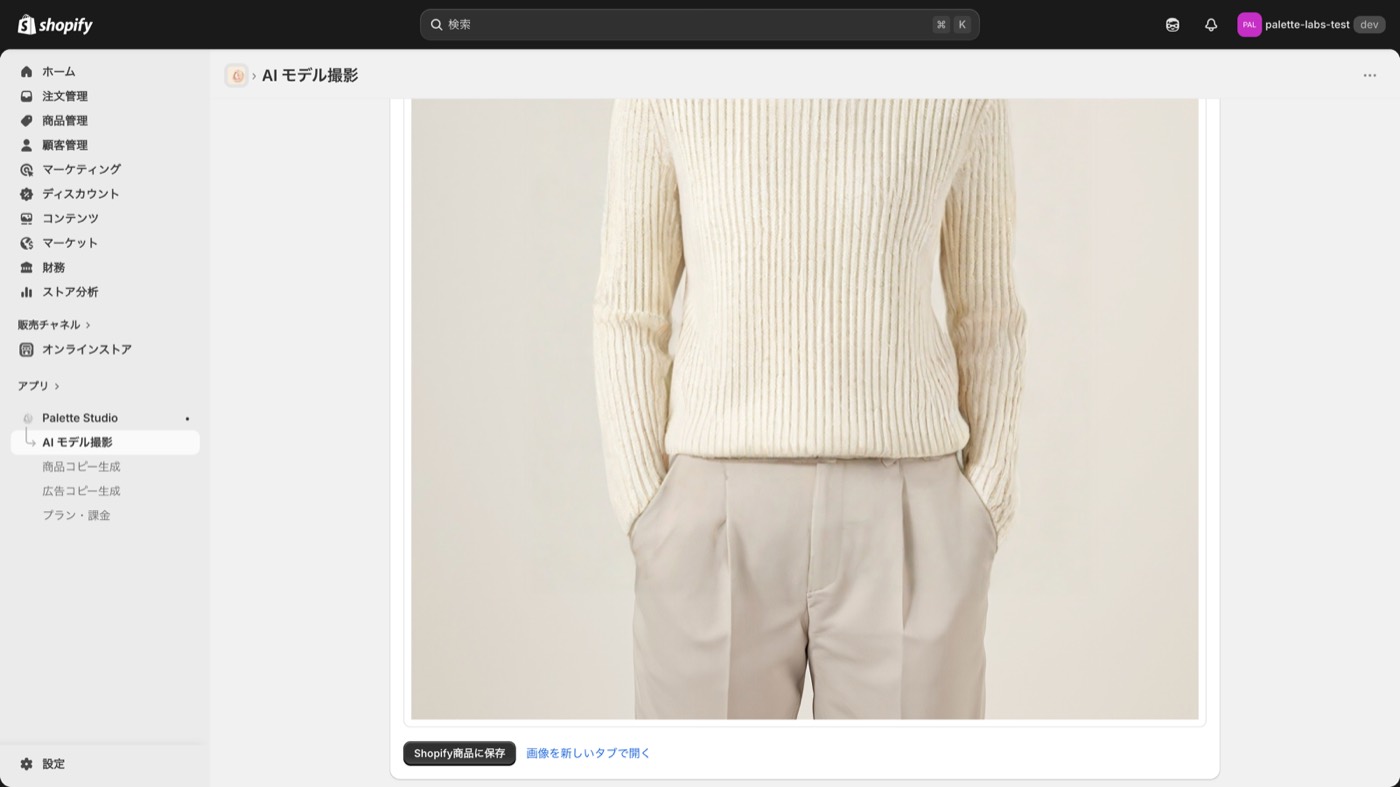
These development screenshots predate later features. Some functions and screens now differ.
Pricing
After launch, choose among three plans by monthly AI photo and makeup try-on generations and custom model slots. Copy, ad copy and claim checks do not use the image-generation allowance.
Free
$0
10 images/month · 0 custom models
Try the product-content workflow
Pro
$49 / month
100 images/month · 3 custom models
Ongoing catalog work for beauty and wellness brands
Studio
$99 / month
500 images/month · unlimited custom models
D2C teams managing larger catalogs
Prices are in USD, exclude tax and are billed through Shopify. Prices and plan contents may change before launch.
Safety
Generation uses product images and information, plus any custom model images you choose to register. We do not collect or store your store’s shopper records.
The app handles the data access and deletion request webhooks required by Shopify. External-provider deletion remains a release gate.
The app is designed for disclosure of AI-generated imagery. We do not intend generated images to be presented as unaltered photography.
From beauty and wellness photos through preliminary claim review to approved Shopify updates. Sign up to hear when Palette Studio launches.
We use your email for the Palette Studio notices you consent to. Contact us to opt out or request deletion. See the Palette Studio privacy notice
FAQ